7 AI Video Editing Tools That Feel Like Magic
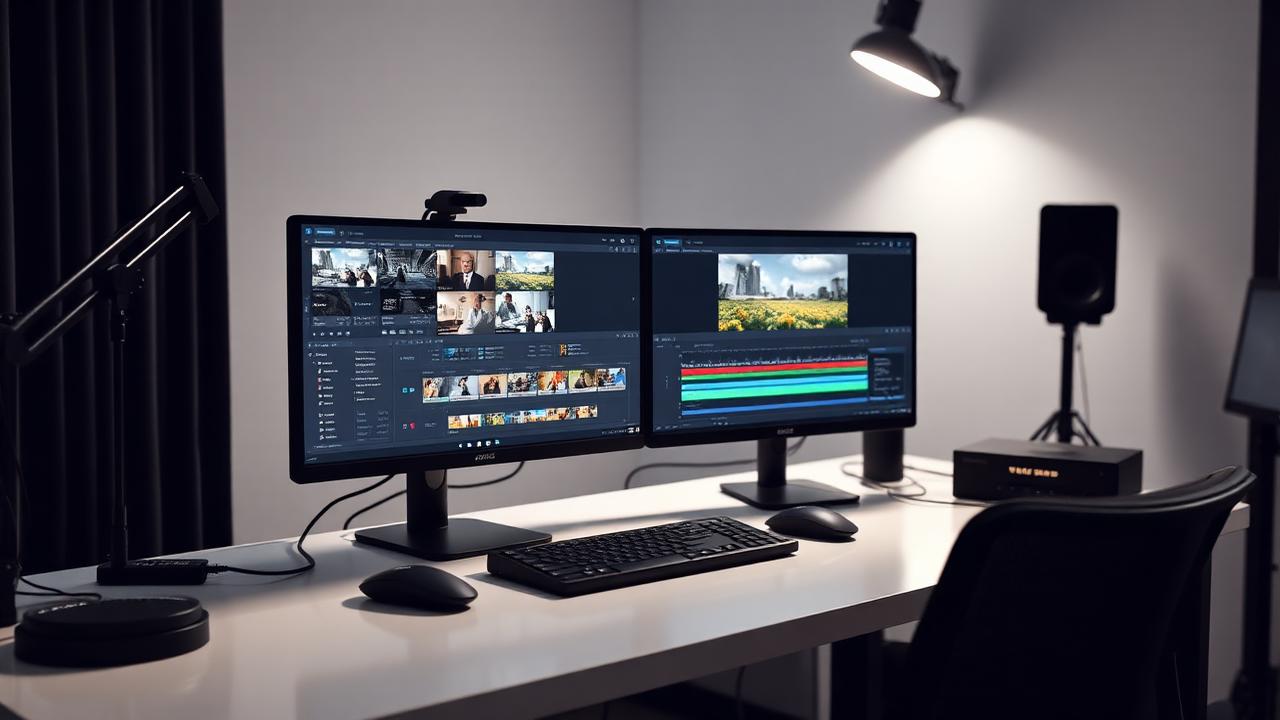
Editing videos used to take me days. Now I finish in hours. These 7 tools are absolute game-changers — and two of them I'd hand to a complete beginner without worrying.
1. RunwayML
Removing a background without a green screen still feels slightly illegal. Output holds up at 1080p for social. Push to 4K and you'll see soft edges on fast motion.
- Pricing: from about $15/month
- Beginner friendly: medium
- Best for: effects, cleanup, quick concepts
2. Pika Art
Text-to-video that's genuinely usable for B-roll now. I use it for abstract shots I'd otherwise buy from a stock site. Faces still look off — avoid people.
3. CapCut AI
Auto-captions, auto-reframe, silence removal. Free for most of what you need. If you make short vertical video, start here and skip the rest for a month.
4. Descript
You edit video by deleting words from a transcript. Once that clicks, going back to a timeline for talking-head content feels silly. Studio Sound cleaned up a recording I'd written off.
5. HeyGen
Avatars and translated versions of your own videos. My Urdu test came back oddly formal, but the lip sync was convincing enough that two people didn't notice.
6. Fliki
Blog post in, narrated video out. It's the fastest way to repurpose written content, and the quality ceiling is exactly as low as you'd expect. Fine for faceless channels.
7. Synthesia
Corporate training video without a studio. Pricey, polished, and slightly uncanny. If your company makes the same onboarding video every quarter, it pays for itself.
If you're just starting
- 1CapCut AI for editing and captions (free).
- 2Descript once talking-head content becomes regular.
- 3Add RunwayML only when you need effects.
Which one surprised you? And if you've found something better than Descript for transcript editing, please tell me — I'll test it.
Leave a comment
Comments are reviewed before they appear.
Keep reading
 AI Tools
10 AI Tools That Will Automate Your Daily Tasks in 2026
I was working 12-hour days and getting nowhere. These ten tools took the boring half of my week and handled it for me.
Read the post → Automation
How I Saved 15 Hours/Week Using AI Automation (Real Story)
I used to spend 3 hours daily on email responses. Now AI handles 80% of them. Here's the honest breakdown, including what went wrong.
Read the post → Reviews
Best AI Tools for Content Writers: Complete Comparison Guide 2026
I tested 6 AI writing tools for 3 months. Here's the honest truth about each one, including the two I stopped paying for.
Read the post →